Nano Banana Image EditorAI Image-to-Image Editing
Use Nano Banana Image Editor for prompt-based photo editing, image-to-image transformation, background changes, object edits, and consistent character variations.
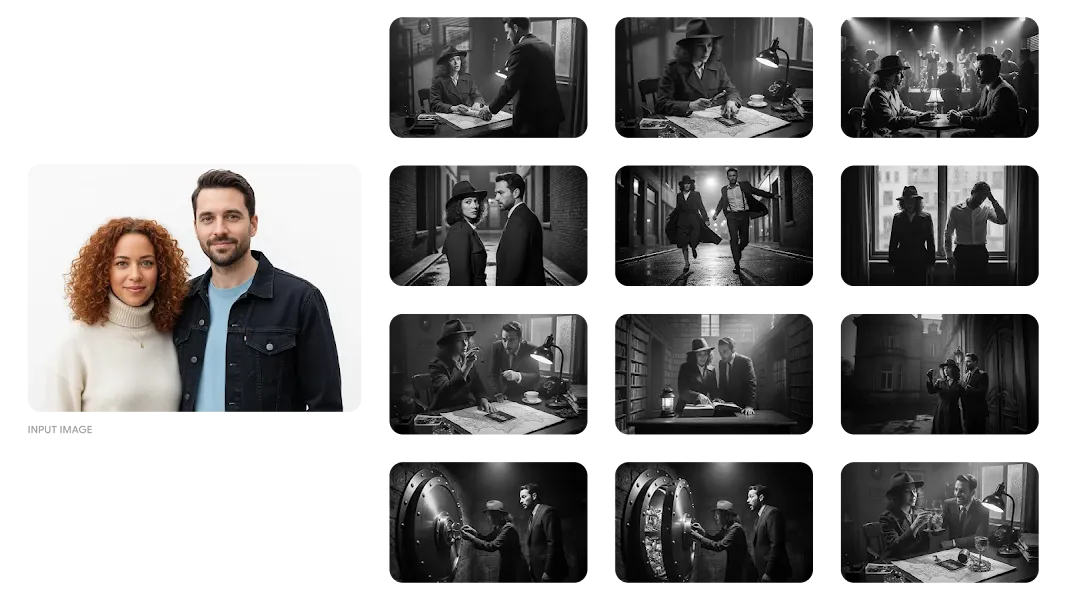
Edit Images with Nano Banana
Nano Banana Image Editor is built for users who already have an image and want to transform it. Upload a photo, describe the change, and generate an edited version.
Use it for background replacement, object removal, product image edits, portrait transformations, style changes, and character-consistent visual sets.
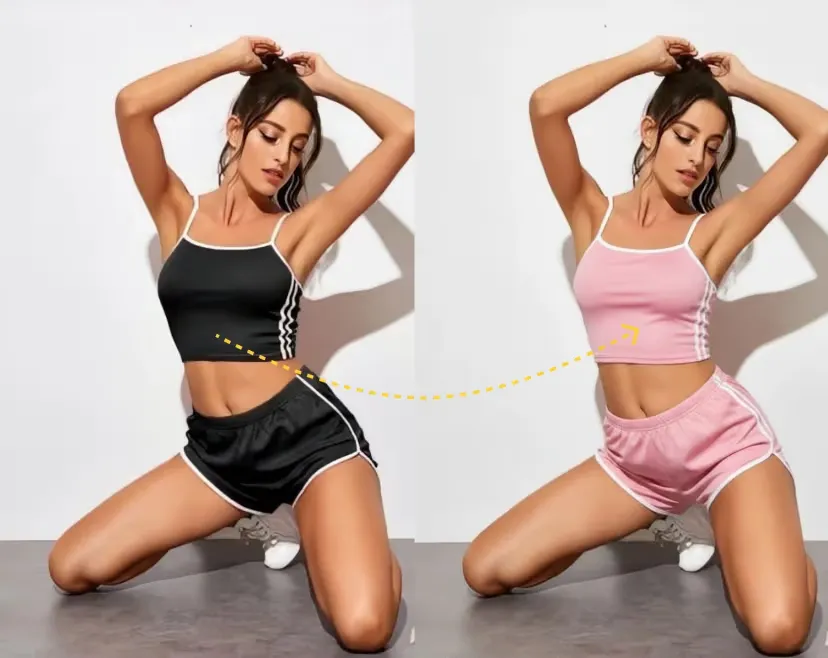
How Nano Banana Image Editing Works
Edit existing images with prompts and references
Upload an Image
Start with a photo, product shot, portrait, character image, or visual reference.
Describe the Edit
Tell Nano Banana what to change, remove, replace, restyle, or preserve.
Generate the Edited Result
Download the result or keep iterating with follow-up edits and reference images.
Nano Banana Image Editor Use Cases
Background Replacement
Move products, people, or characters into new scenes while keeping the subject coherent.
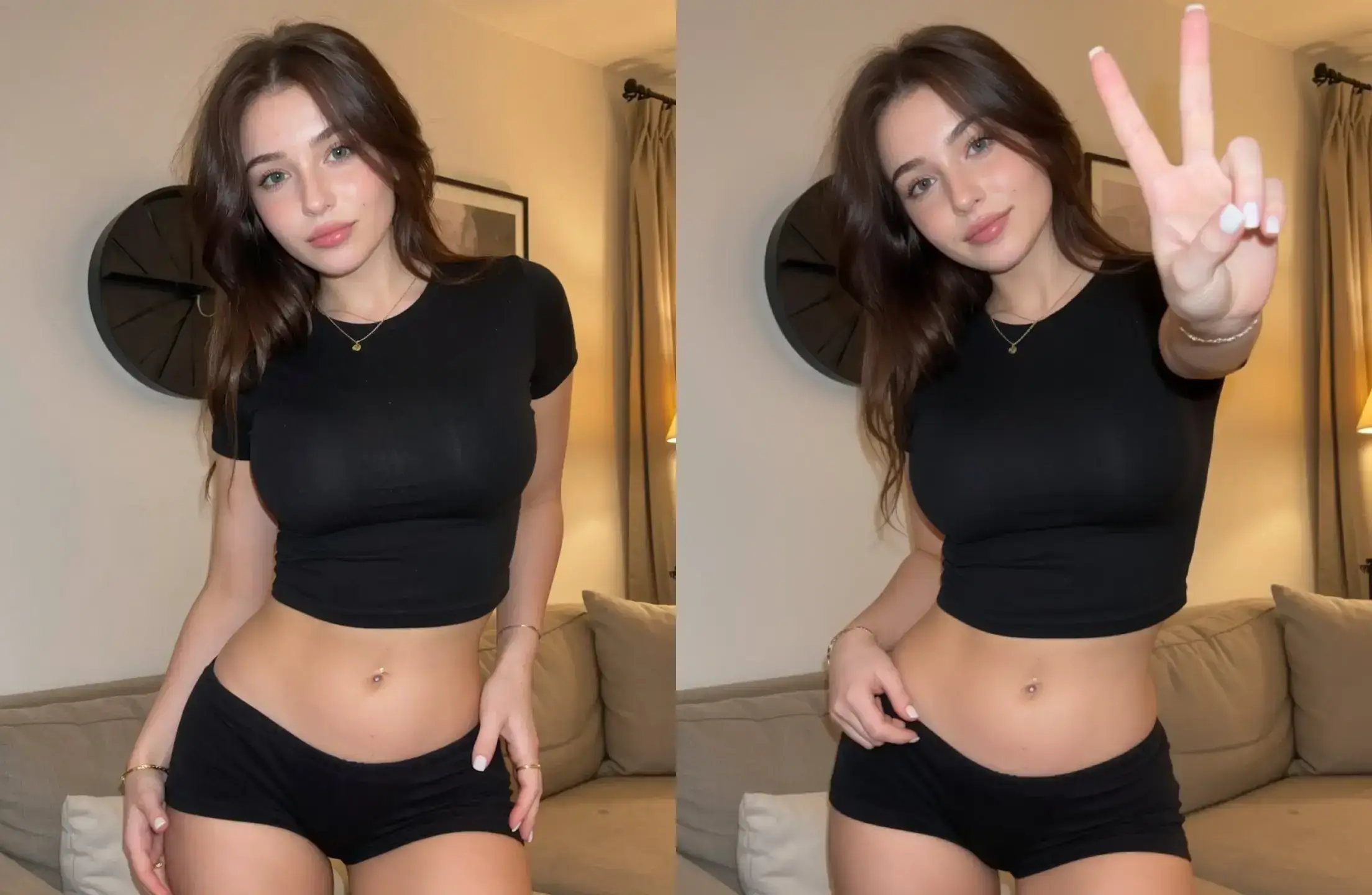
Object Removal and Additions
Remove unwanted elements or add new objects using plain-language editing instructions.
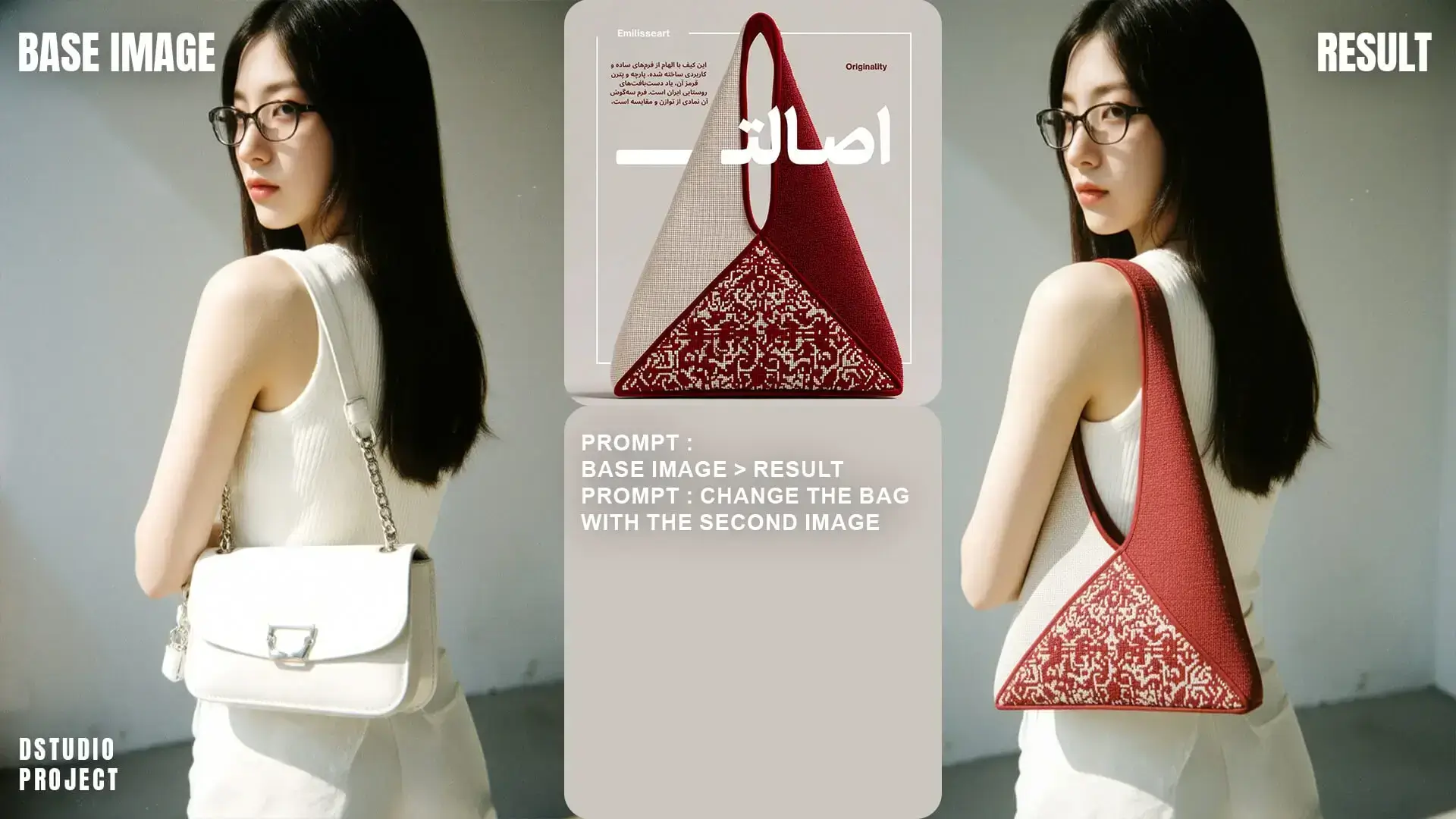
Character Consistency Edits
Keep a person, mascot, or character consistent while changing pose, outfit, scene, or visual style.
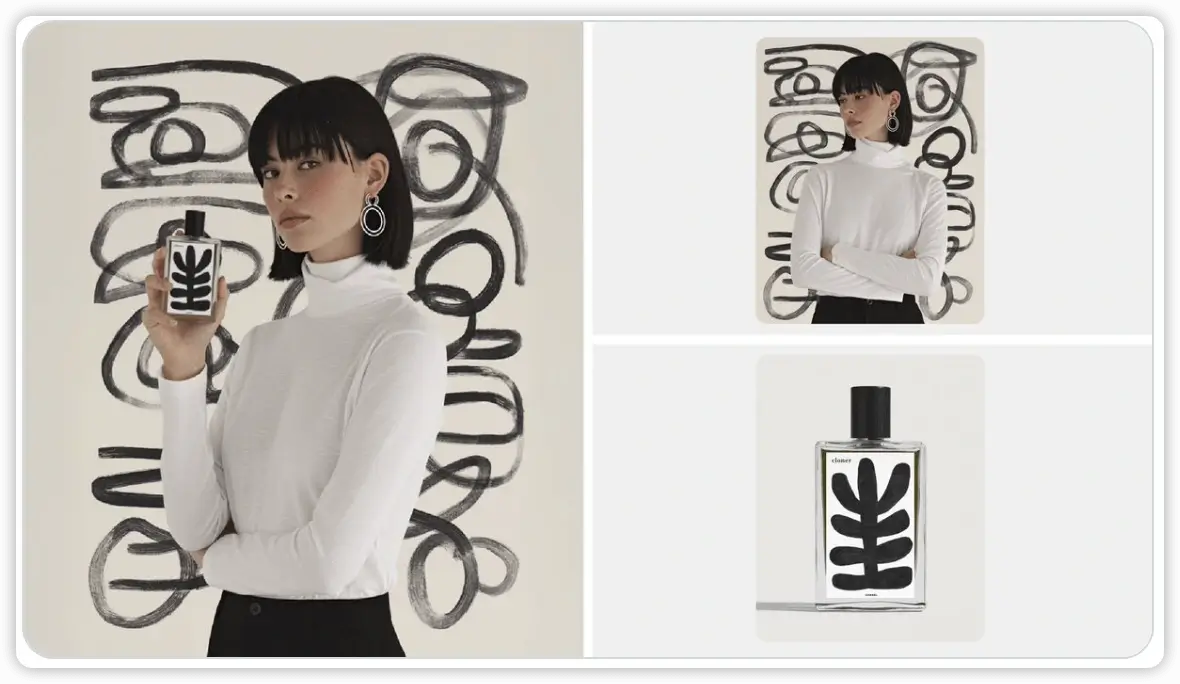
Product and Marketing Edits
Create cleaner product visuals, campaign variations, and polished creative assets from existing images.
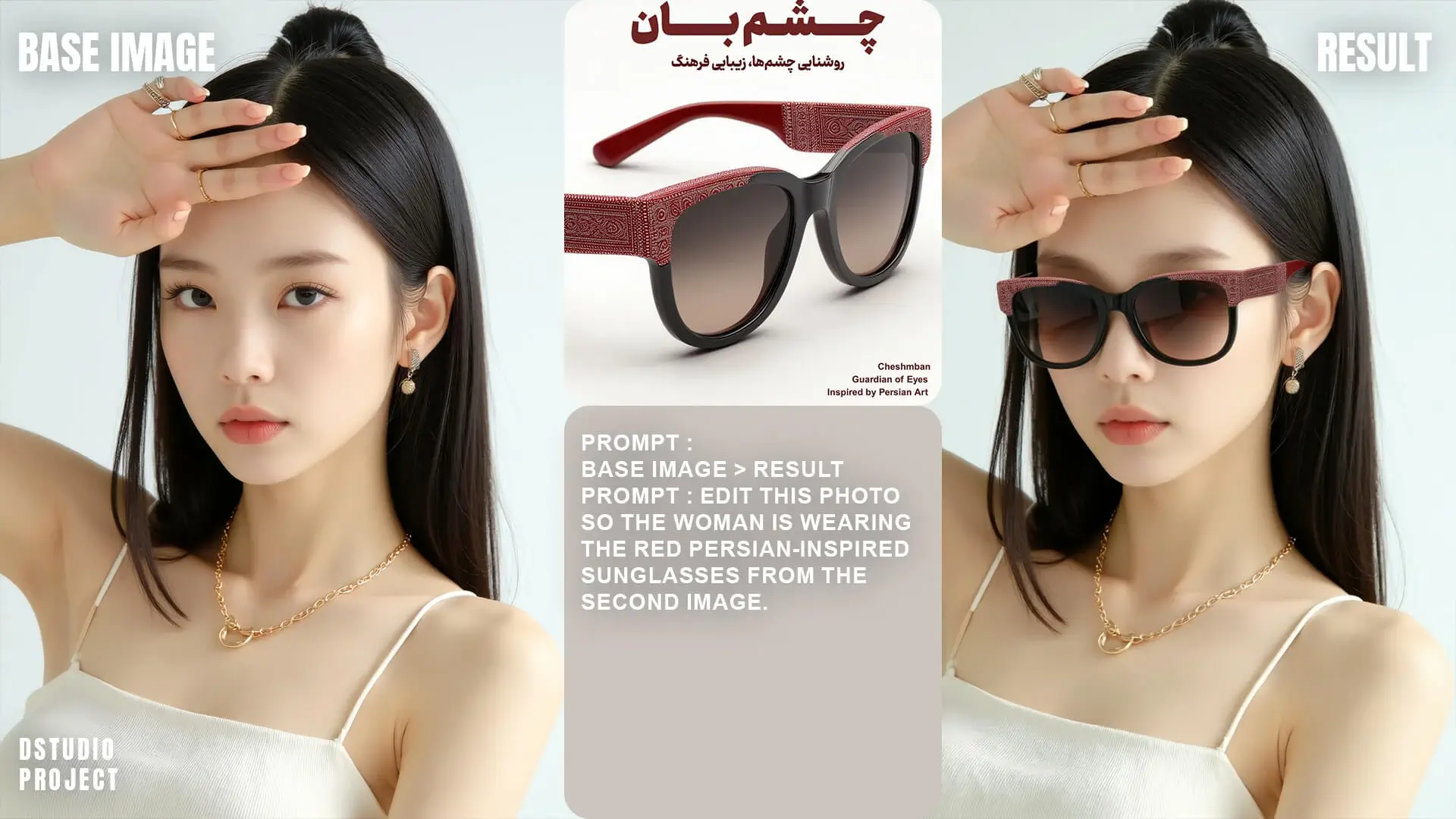
What You Can Edit with Nano Banana Image Editor
Upload a photo or reference image, describe the change you want, and create a new edited version without manual masking or complex design tools.
Nano Banana Image Editor is made for image-to-image editing tasks: changing a background, removing a distracting object, restyling a portrait, updating a product scene, or creating a consistent variation from an existing image.
It works best when you tell the tool both what to change and what to preserve. For example, keep the same product angle, keep the same person, preserve the logo, or maintain the original composition while changing the surrounding scene.
Good for editing existing images
Choose Nano Banana Image Editor when you already have an image and want a controlled change. If you want to create a brand-new image from text only, start with Nano AI image generation.
Edit product photos
Clean up product shots, replace backgrounds, test lifestyle scenes, and create listing images from an existing product photo.
Transform portraits
Change clothing, lighting, location, mood, or creative style while keeping the person recognizable.
Create consistent variations
Generate multiple versions of the same subject for ads, social posts, profile images, campaigns, and story visuals.
How to describe an image edit clearly
Say what should stay the same
Mention the subject, face, product shape, brand mark, pose, or composition that should be preserved.
Say what should change
Describe the background, object, outfit, color, lighting, style, or scene you want to update.
Use practical goals
Tell the editor whether you need a product listing image, social ad, profile photo, banner, or campaign visual.
Review and refine
If the first version is close, use a follow-up prompt to adjust one detail instead of rewriting the entire request.