PhotoEditorAI Image GeneratorCreate Images from Text & Photos
Generate professional AI images with PhotoEditorAI powered by Google Gemini 2.5. Transform text prompts and reference photos into stunning visuals in seconds. Free AI image generator with character consistency, background editing, and style transformation - no design skills required.
About PhotoEditorAI Technology
PhotoEditorAI is built on Google's Gemini 2.5 technology, combining natural language understanding with advanced computer vision. PhotoEditorAI learns from millions of images to deliver professional results with character consistency and photorealistic quality.
Quality depends on your prompt clarity and reference images. Whether you're a designer, marketer, or content creator, PhotoEditorAI handles complex requests across diverse visual styles. Join thousands of creators worldwide using PhotoEditorAI for efficient, high-quality visual content.
How PhotoEditorAI Works
Generate professional images in three simple steps
Describe What You Want
Type a description or upload a reference photo. PhotoEditorAI understands natural language and creative concepts.
AI Creates Your Image
PhotoEditorAI analyzes your request and generates high-quality images in 15-45 seconds using advanced AI technology.
Download & Use
Get high-resolution images instantly. Download, refine, or create variations with PhotoEditorAI - all in one place.
What You Can Create with PhotoEditorAI
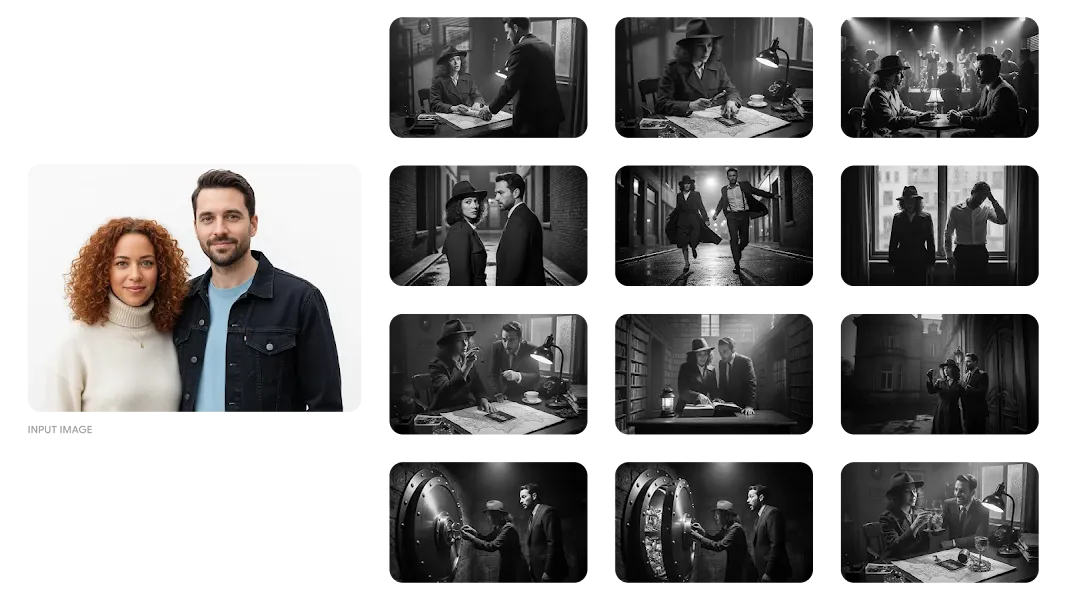
Create Consistent Characters
Use PhotoEditorAI to generate the same character in different scenes, poses, and situations. Perfect for comic series, game characters, brand mascots, or visual storytelling where consistency matters.
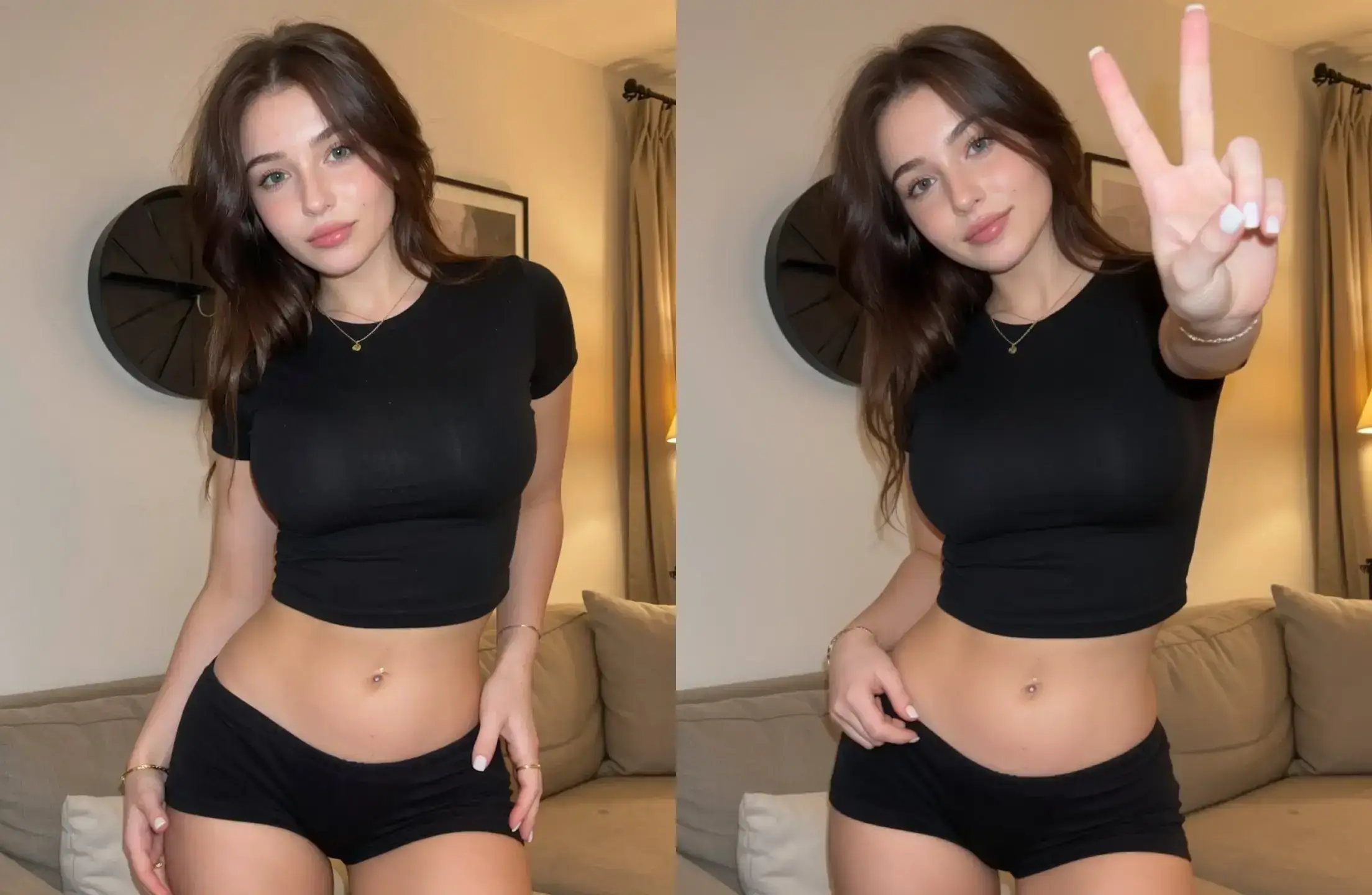
Change or Remove Backgrounds
PhotoEditorAI can replace backgrounds, remove distractions, or place subjects in new environments. Ideal for product photos, portraits, real estate listings, and professional content.
Transform Photos into Art
Apply artistic filters and styles with PhotoEditorAI. Change visual aesthetics or create unique variations. Great for social media content, marketing materials, and creative projects.
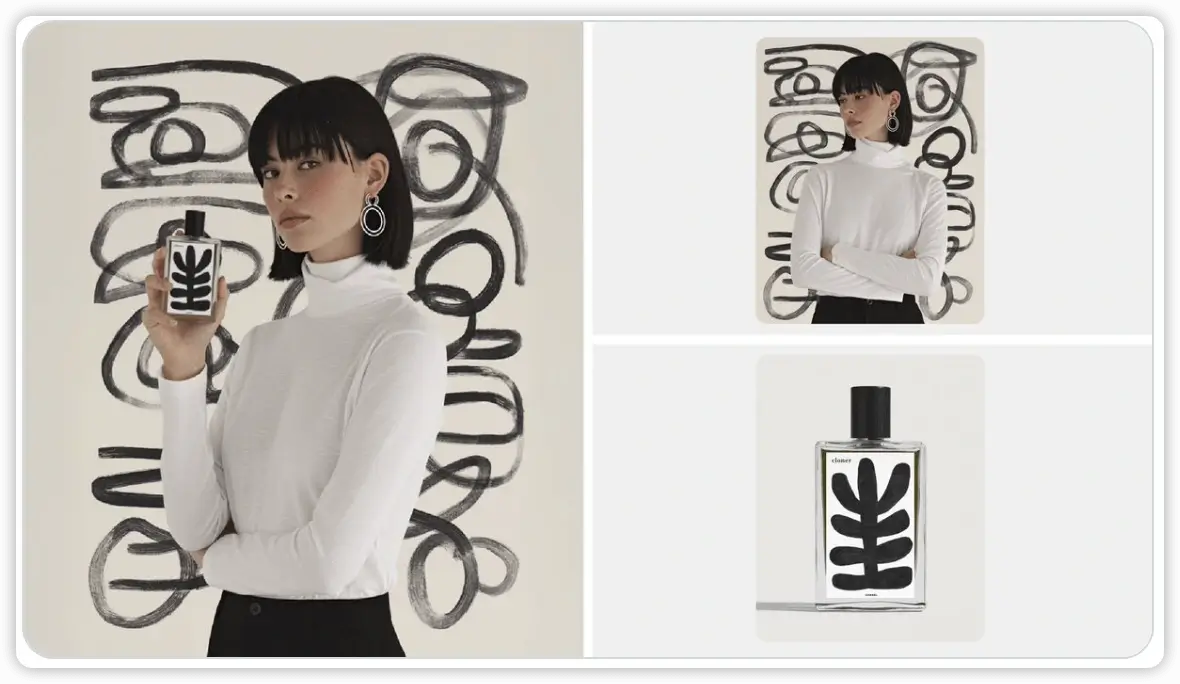
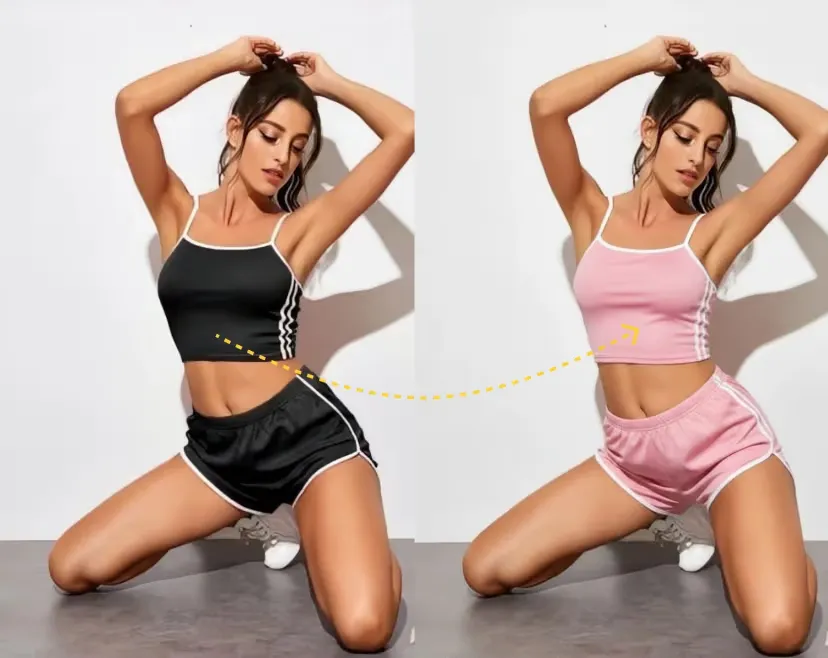
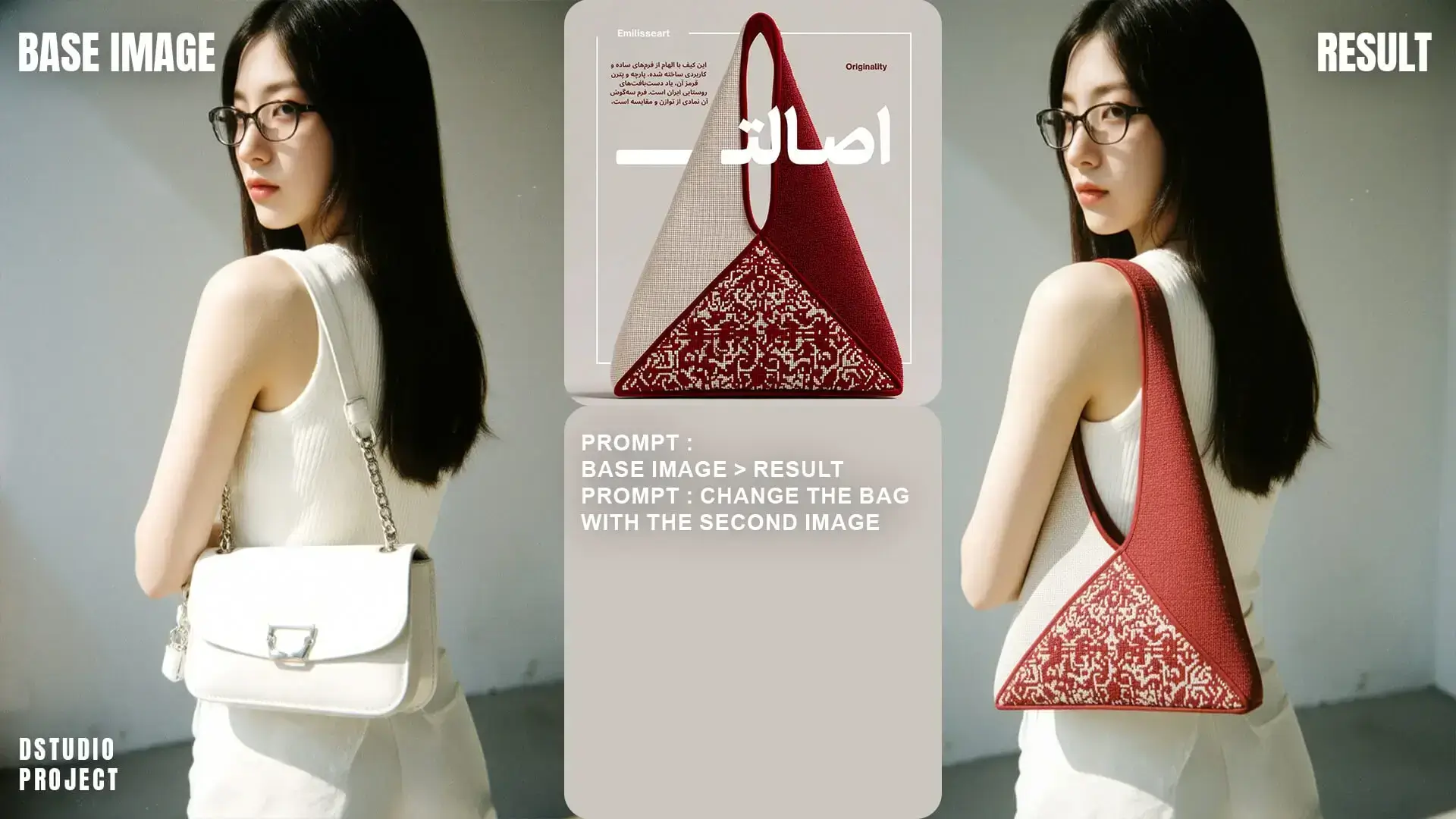
Edit Images with Text Commands
PhotoEditorAI lets you add or remove objects naturally using text - add new elements, remove unwanted objects, or modify existing items. Essential for photo editing and content adaptation.
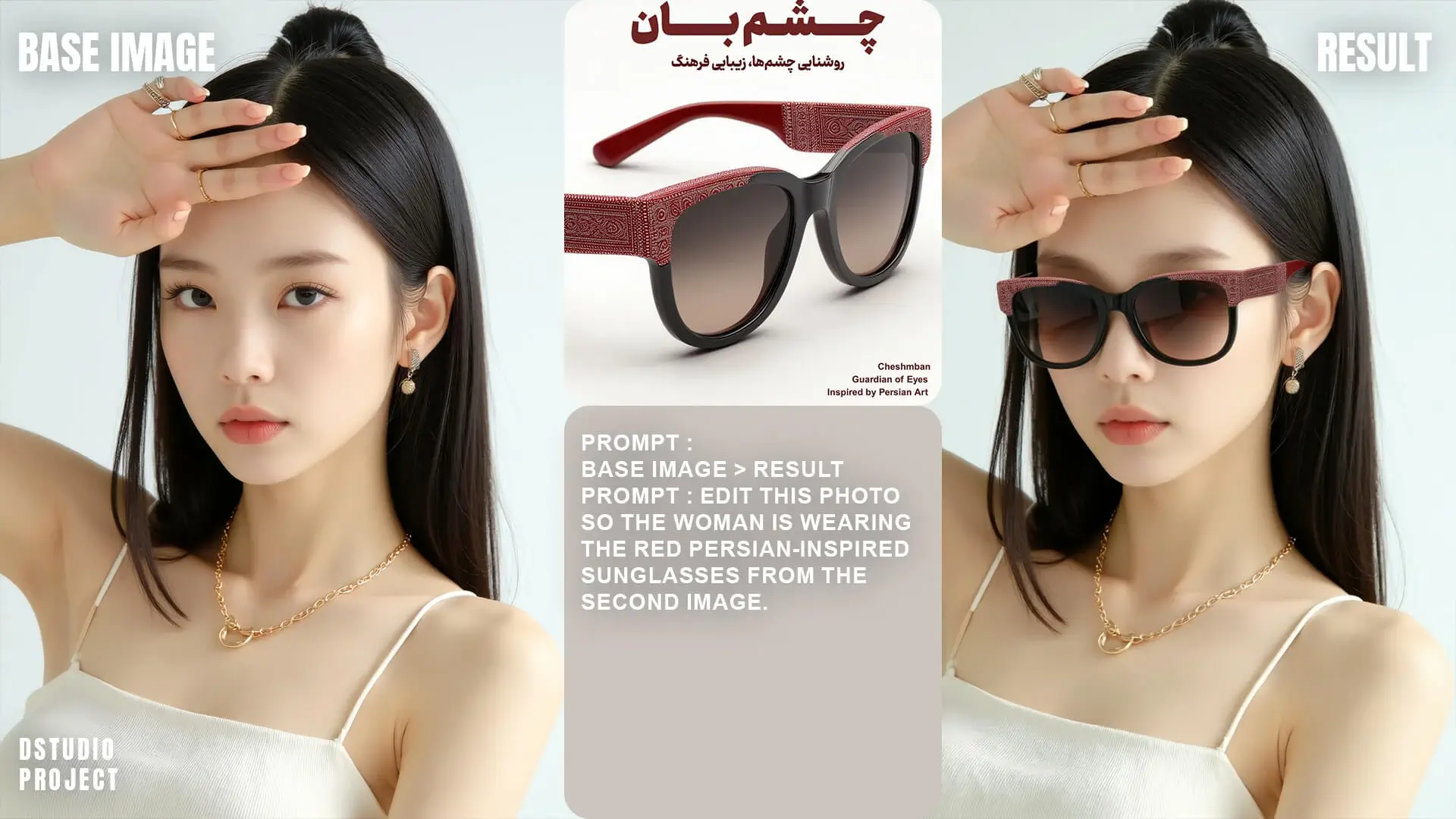
What You Can Create with PhotoEditorAI
Use PhotoEditorAI to create new images from text, edit existing photos, and turn rough ideas into polished visuals in one workspace.
Start with a prompt, upload a reference image, or combine both. PhotoEditorAI can help you make social graphics, product scenes, profile images, character concepts, ad creatives, and visual drafts without switching between multiple editing tools.
For best results, describe the subject, visual style, background, lighting, and the final use of the image. If you are editing a photo, also tell the tool what should stay unchanged so the output keeps the important details.
One workspace for creation and editing
PhotoEditorAI is useful when your workflow may include both generating a new image and editing it afterward. You can move from idea to variation to final visual without leaving the tool.
Generate new images
Turn prompts into original visuals for ads, posts, thumbnails, product ideas, and creative concepts.
Edit uploaded photos
Change backgrounds, restyle scenes, remove distractions, or add new elements with natural language instructions.
Keep subjects consistent
Create variations of the same person, product, mascot, or character while changing the setting or style.
Tips for better PhotoEditorAI results
Start with the goal
Say whether you need an ad image, product scene, portrait, banner, concept art, or social post.
Describe the image clearly
Include the subject, style, background, lighting, colors, and composition you want.
Use references when needed
Upload a reference image when identity, product shape, pose, or visual style needs to stay close.
Refine in follow-up prompts
If the first result is close, ask for a smaller change instead of rewriting the whole prompt.