Nano AI Image GeneratorFast Text-to-Image Creation
Use Nano AI when you want a fast prompt-to-image workflow for concepts, social graphics, product ideas, thumbnails, and creative drafts.
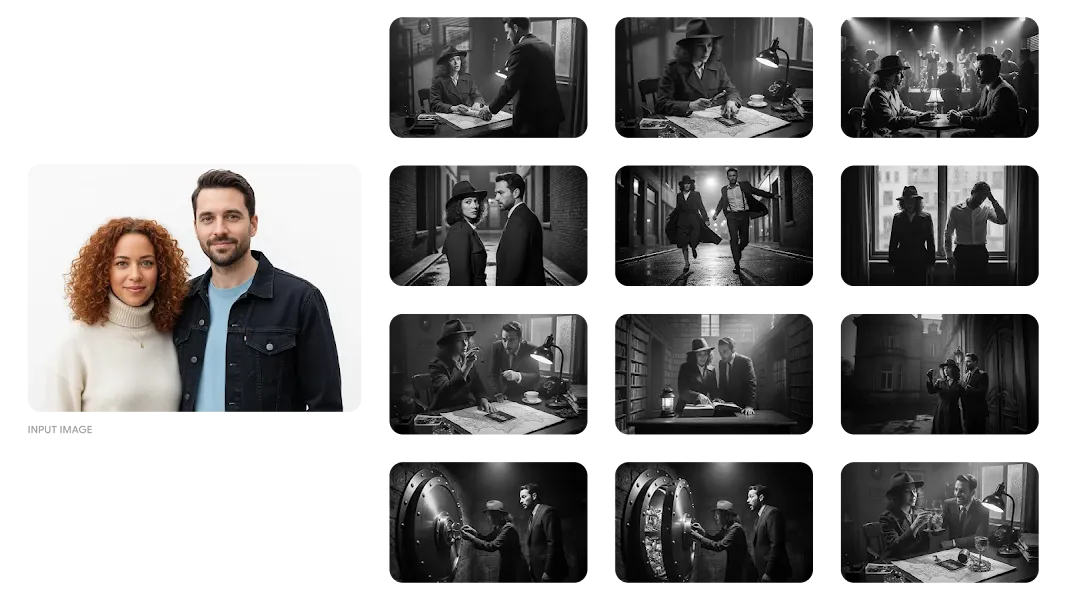
Nano AI for Fast Image Generation
Nano AI is positioned for users searching for a lightweight AI image generator. Start with a written prompt, choose a direction, and generate visual options quickly.
It is useful for brainstorming, social posts, thumbnails, product concepts, character ideas, and early creative exploration before moving into deeper editing.
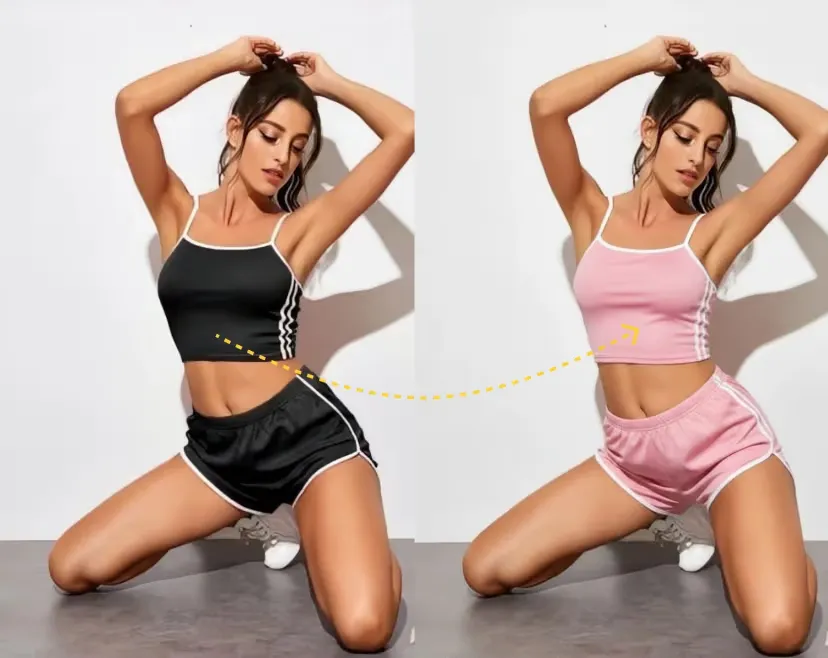
How to Generate Images with Nano AI
A prompt-first workflow for quick visual drafts
Write a Clear Prompt
Describe the subject, style, mood, camera angle, and output you want from Nano AI.
Generate Image Options
Nano AI creates prompt-matched image drafts you can compare, reuse, or refine.
Refine the Best Result
Adjust your prompt, add reference images, or continue editing in the same workspace.
Nano AI Use Cases
Prompt-to-Image Drafts
Turn rough creative ideas into visual drafts for campaigns, moodboards, presentations, and planning.
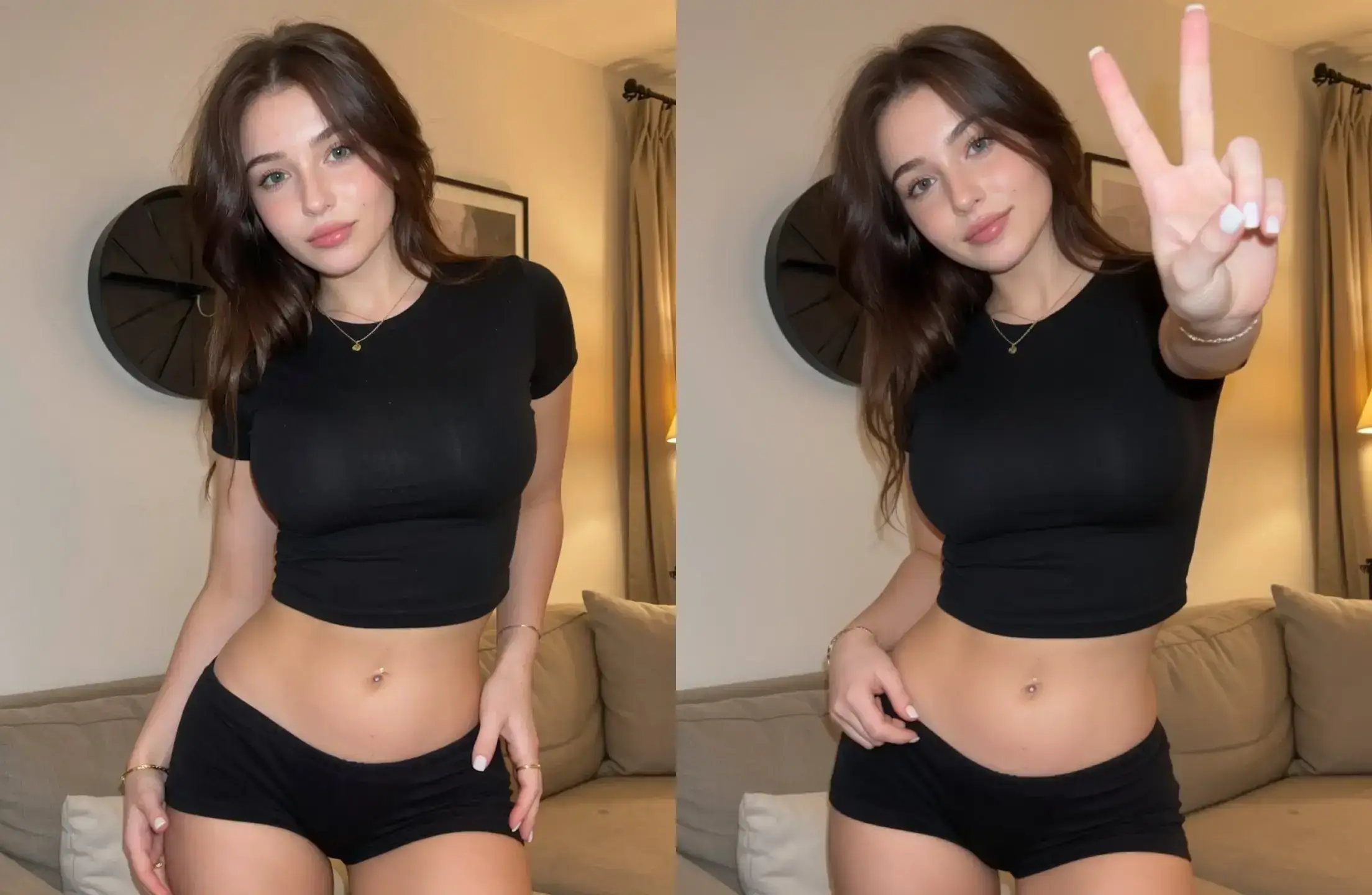
Social Media Concepts
Generate image ideas for posts, ads, thumbnails, banners, and creator content without starting from a blank canvas.
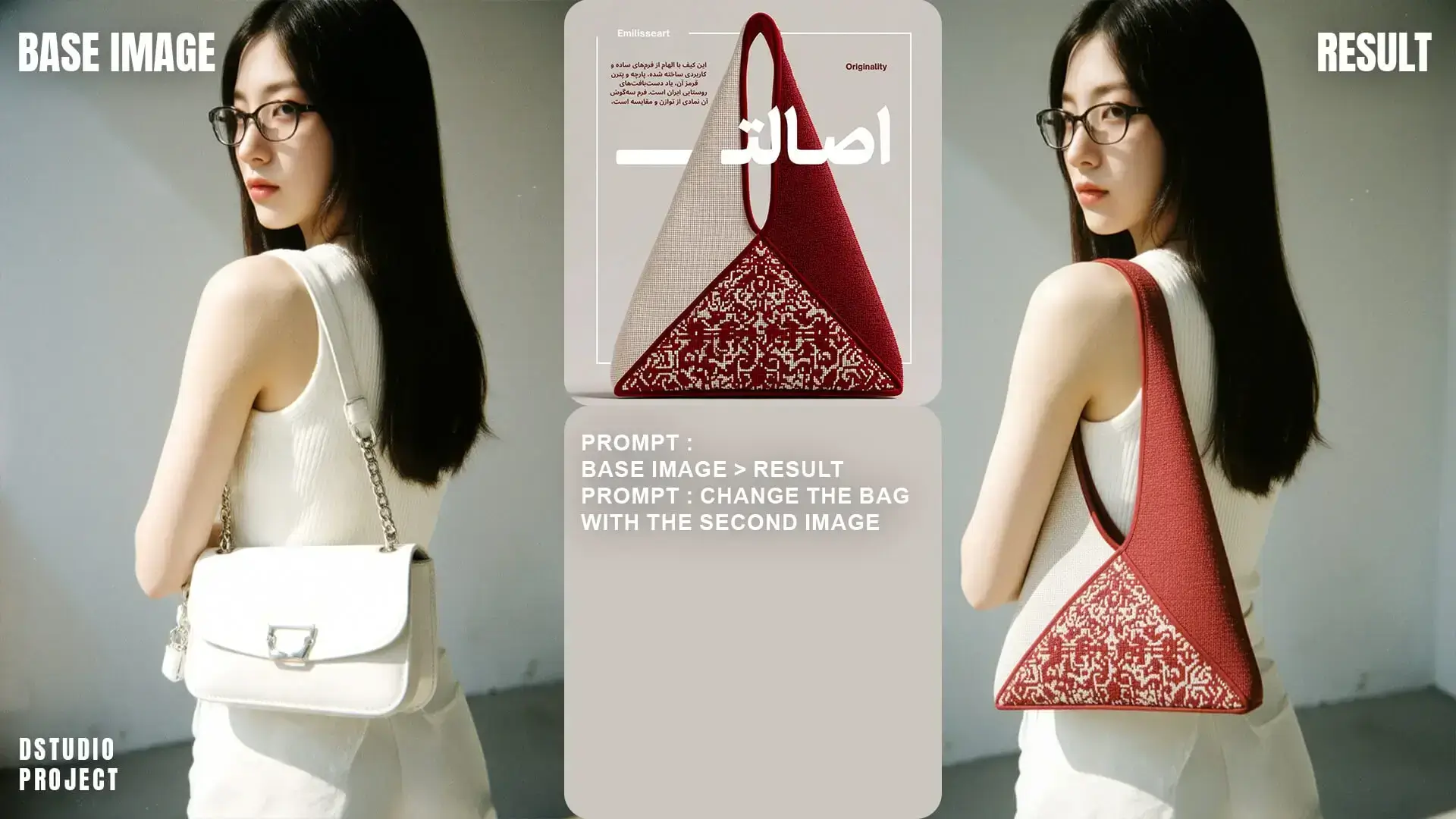
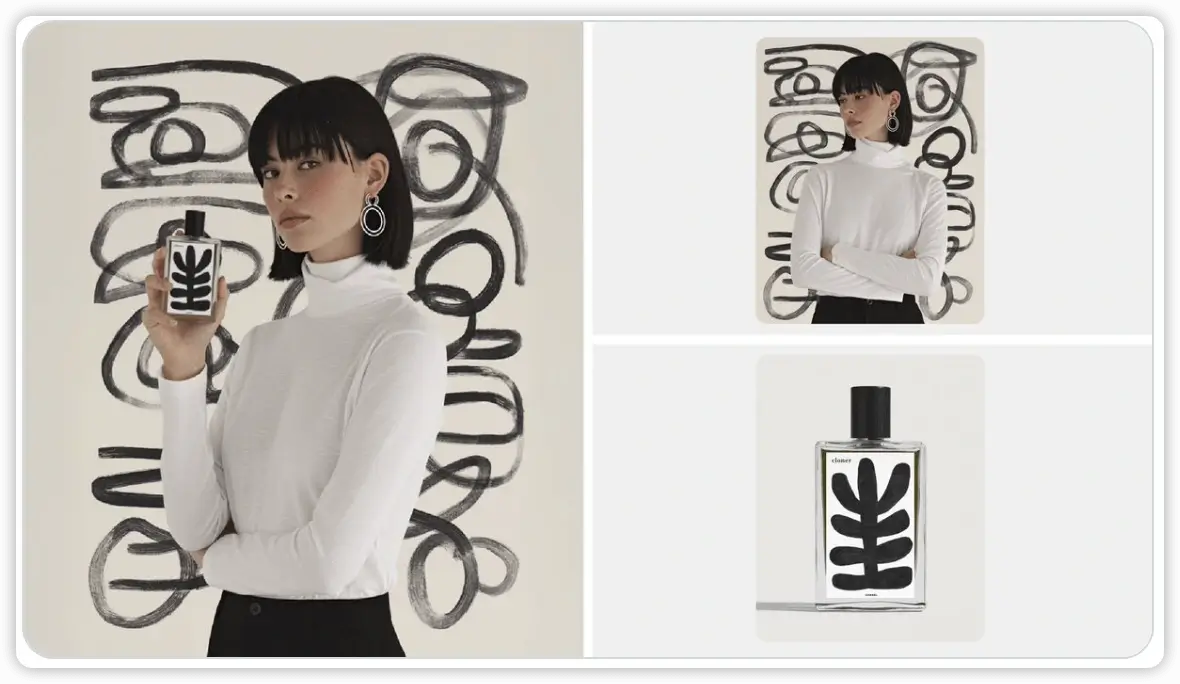
Product Visual Ideation
Create early-stage product scenes, packaging concepts, lifestyle imagery, and creative directions from text prompts.
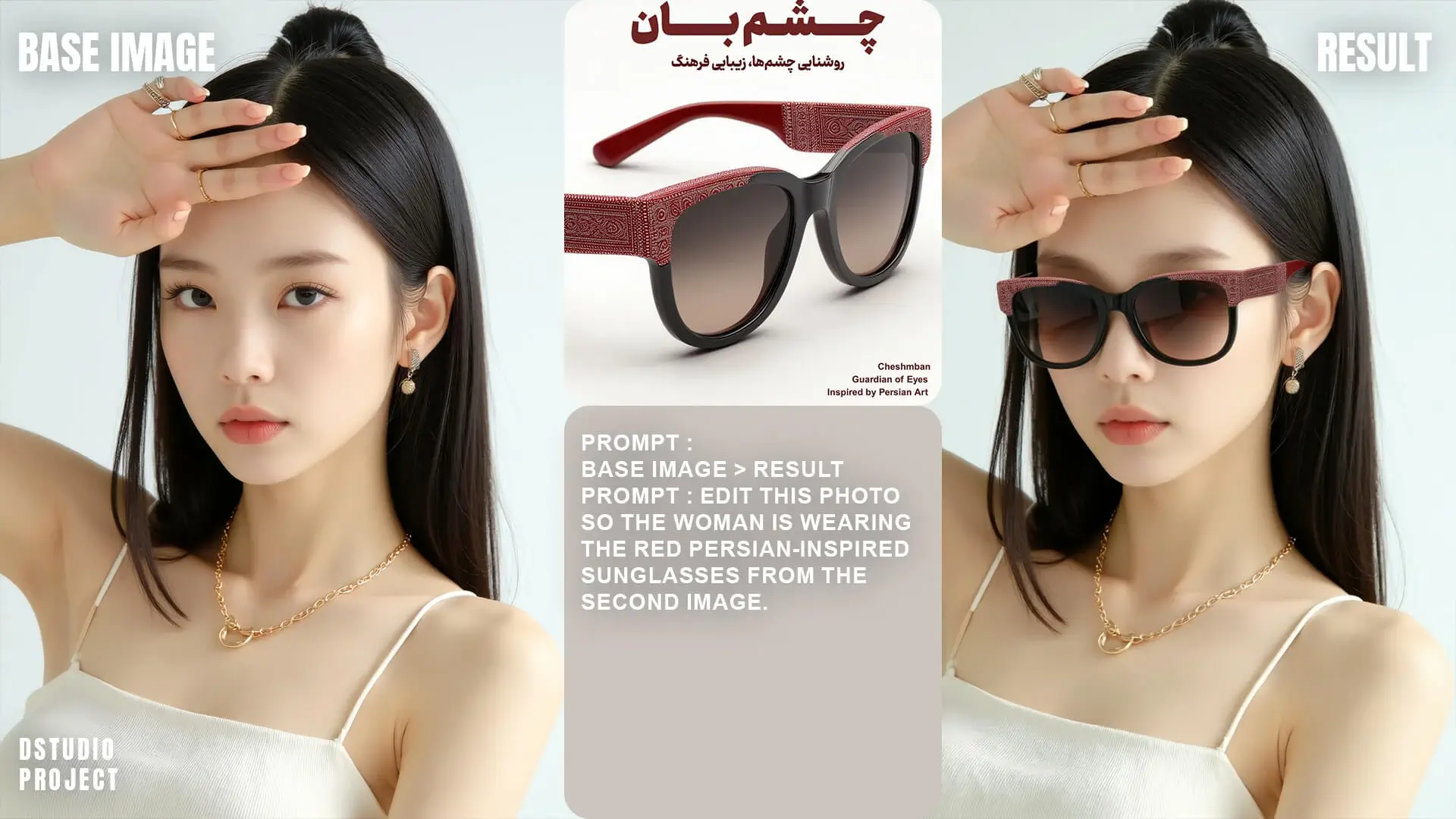
Character and Scene Ideas
Explore character designs, scene compositions, and visual storytelling ideas before committing to a final edit.
What You Can Make with Nano AI
Nano AI helps you turn short ideas into polished image drafts for marketing, design, products, and everyday creative work.
Start with a simple text prompt such as a product scene, social media concept, character idea, poster direction, or thumbnail brief. Nano AI turns that prompt into visual options you can compare, refine, and reuse.
It is useful when you do not have a source image yet. You can explore different styles, layouts, lighting, colors, and subject ideas before deciding which direction deserves more editing time.
Good for text-to-image creation
Choose Nano AI when you want to generate a new image from words. If you already have a photo and want to edit it, upload it in the editor and describe the change you need.
Create campaign concepts
Generate visual directions for ads, launch graphics, hero images, email headers, and social posts before building the final creative.
Explore product visuals
Describe a product, background, material, or lifestyle scene and quickly test different product-image ideas.
Draft characters and scenes
Create character concepts, story scenes, game ideas, moodboards, and visual references from text.
How to write a better Nano AI prompt
Describe the subject
Name the person, object, product, or scene you want the image to show.
Add the visual style
Include words like realistic, studio photo, cinematic, minimal, anime, product render, editorial, or watercolor.
Set composition and format
Mention close-up, full body, top-down, wide angle, banner layout, square post, or portrait composition.
Refine one detail at a time
Change the lighting, background, color palette, or camera angle step by step until the result fits your goal.